MIT Licensed Chrome Extension
Open watch progress for every browser.
MovieTrack remembers where you stopped across sites, then lets you limit tracking to allowed sites and organize episodes, movies, and videos into editable groups.
Built for the messy web you actually watch on.
MovieTrack detects active audible video playback on readable video pages instead of locking you into one platform. Turn on the site allowlist when you want tracking limited to specific domains. Availability and legal status vary by region; use it only with sites you are allowed to access.
How It Works
Track only when the signal is real.
MovieTrack does not save every tab. It waits for privacy consent, site access, an active audible tab, and a readable video element.
Local first
Records are saved on the device before any cloud sync happens.
Optional account sync
Google sign-in connects records to Supabase so the same account can sync across devices.
Site allowlist
Use the popup switch for quick allowlist mode, then manage allowed domains from Settings.
Minimal data
URLs are trimmed before storage. YouTube records keep only the video ID.
Install
Install from the Chrome Web Store.
MovieTrack is published on the Chrome Web Store. Developers can still use the GitHub Release ZIP or load the source manually in Chrome or Brave.
# Recommended install
open the Chrome Web Store listing
click "Add to Chrome"
grant site access when MovieTrack asks

# Source install
git clone https://github.com/tianiste/movie-track.git
cd movie-track
npm install
npm run build

# Chrome
# open chrome://extensions

# Brave
# open brave://extensions

# Enable Developer mode
# Click "Load unpacked"
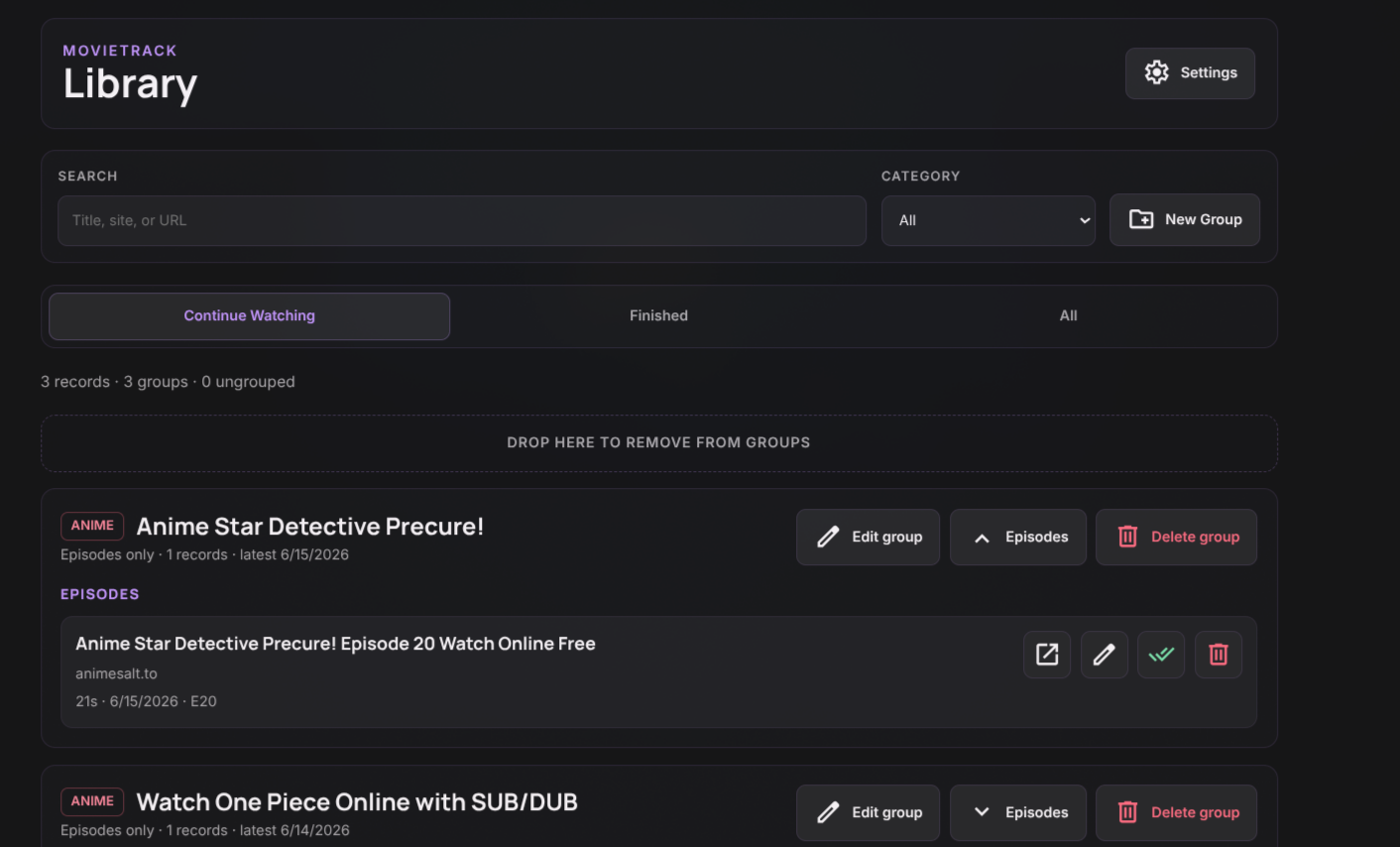
# Select the movie-track folderLibrary is where messy history becomes usable.
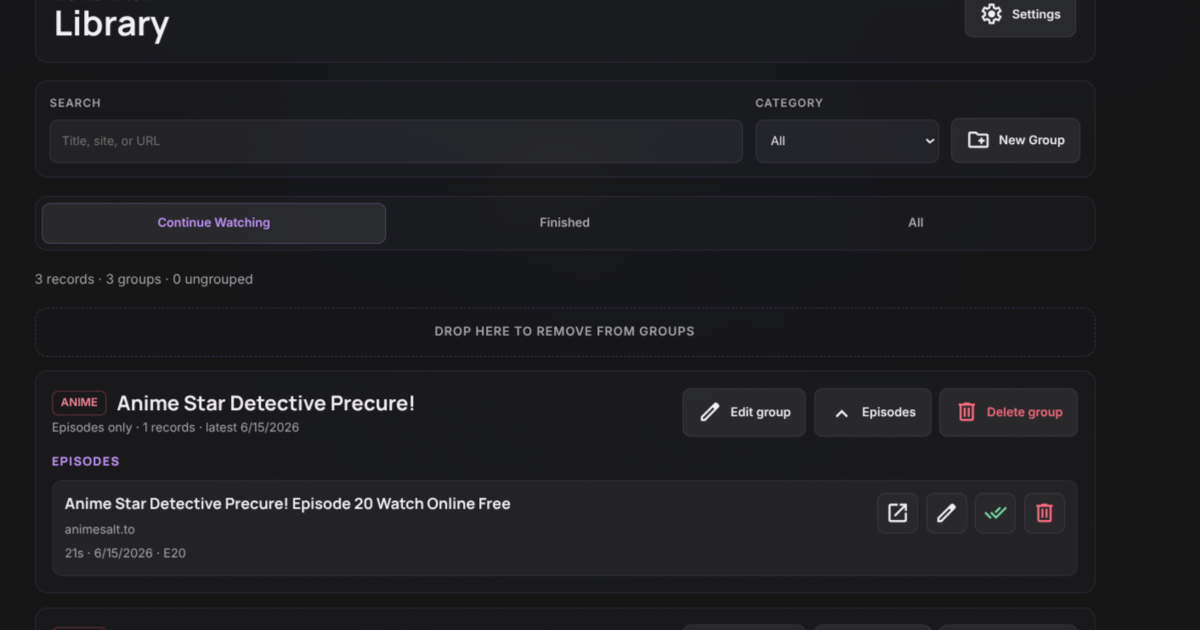
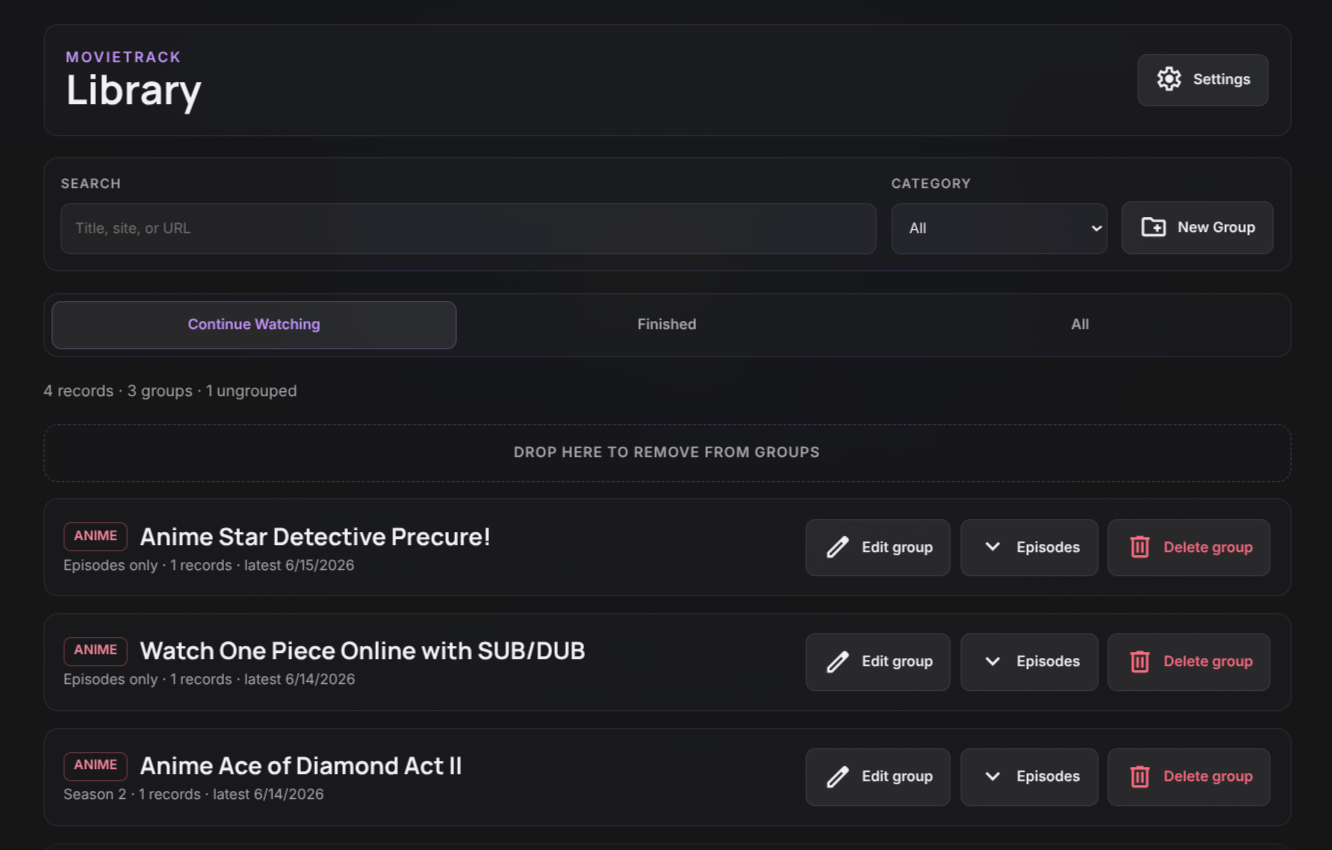
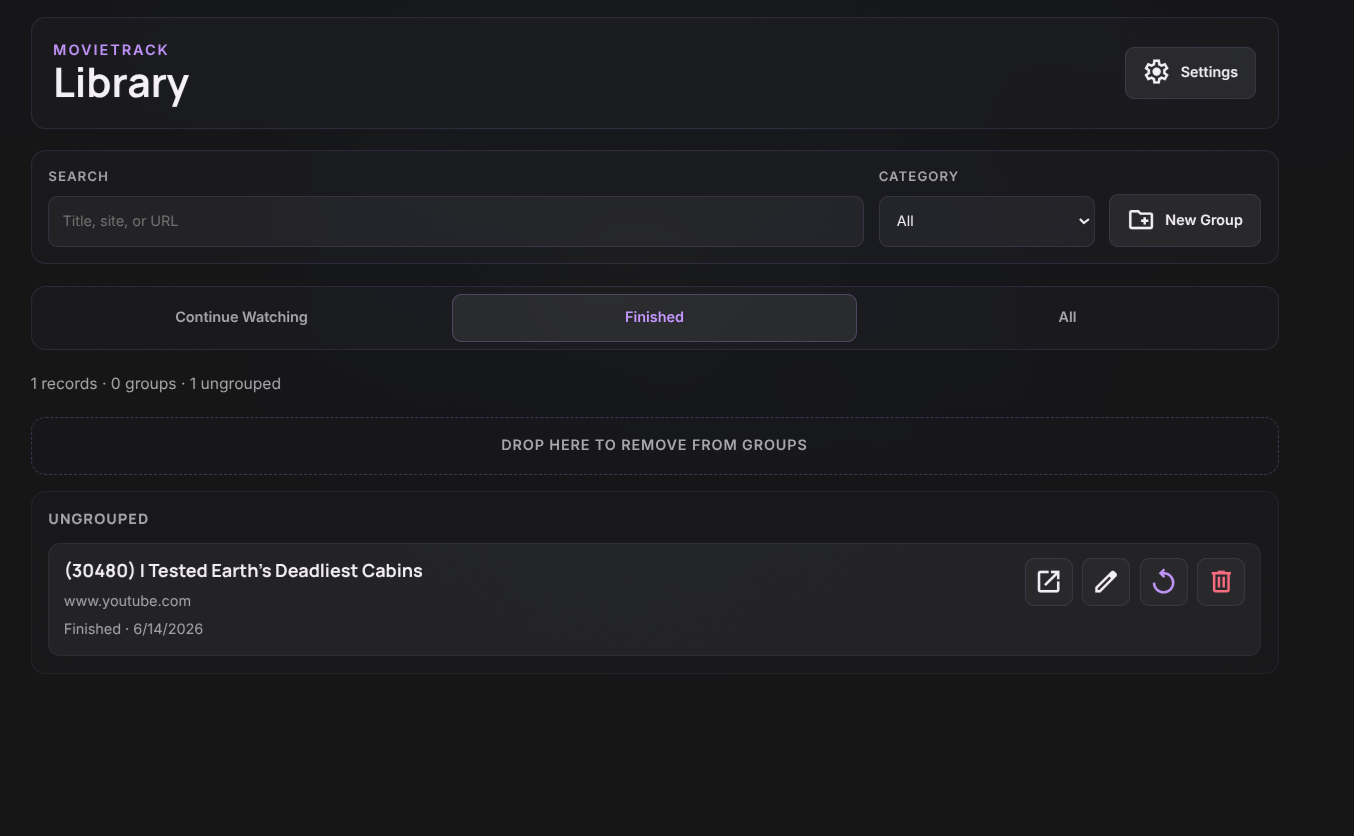
Group seasons automatically, create your own groups, drag records between groups, and expand only what you need to inspect.
The popup stays fast.
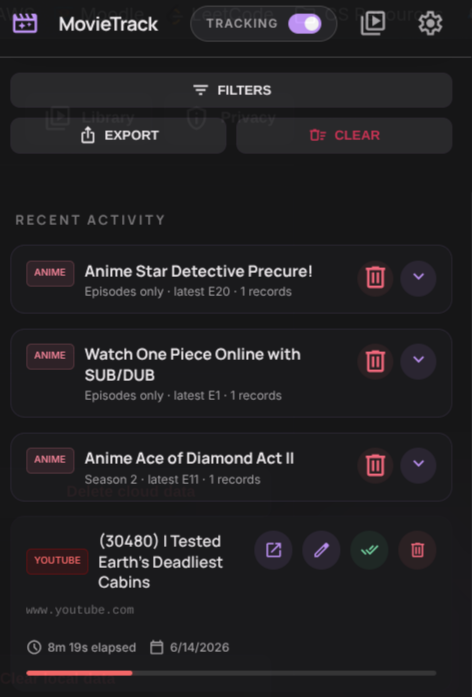
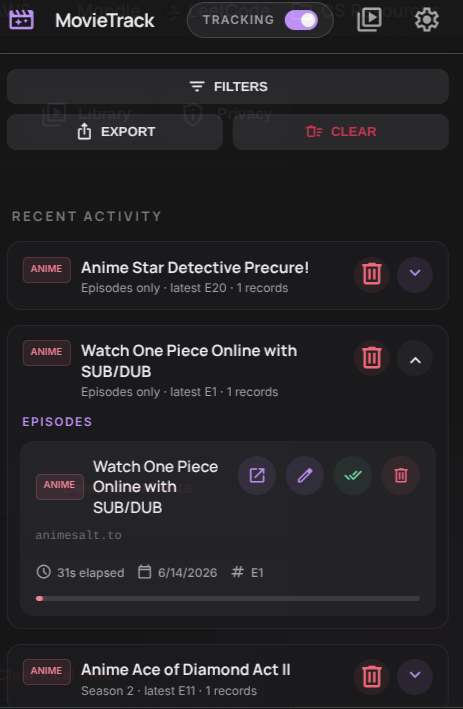
Recent activity is grouped by show and season, collapsed by default, with the Library one click away for deeper organization.
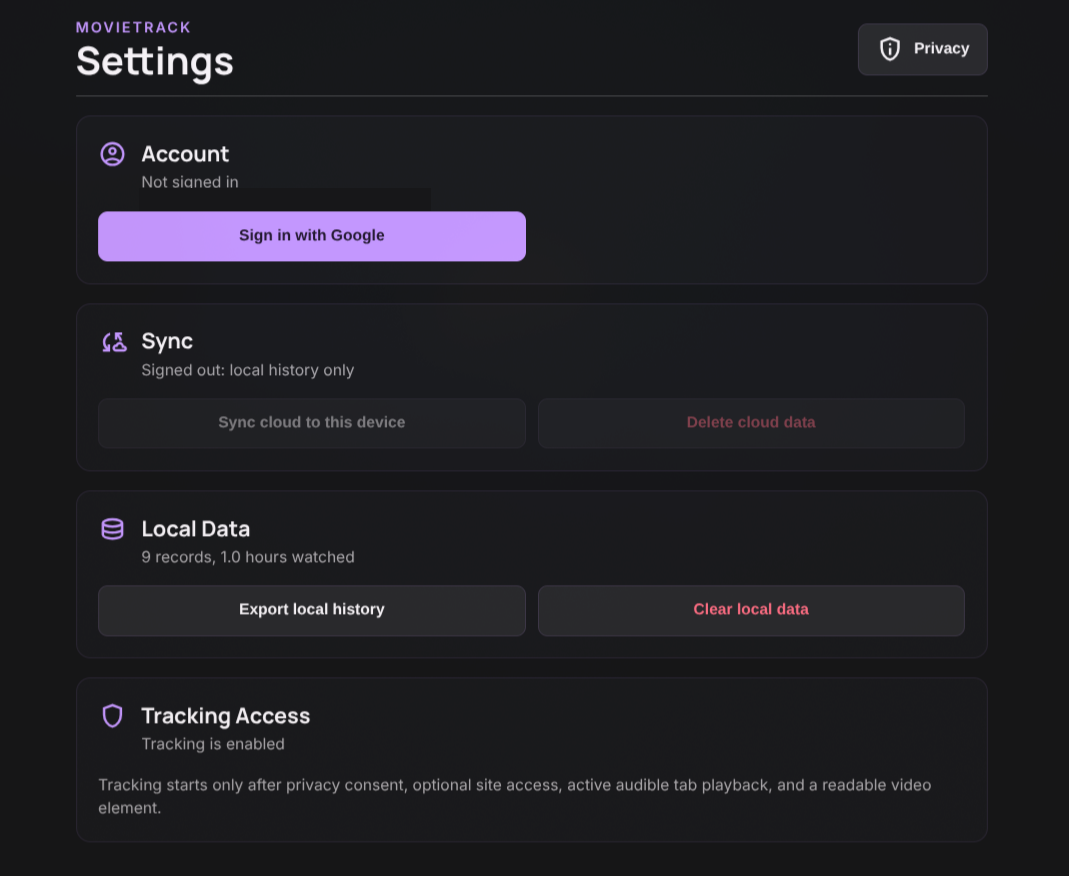
Settings are separate from history.
Account, sync, deletion, export, Library access, privacy controls, and allowed-site rules live in a dedicated settings surface.